

Reading laser source alarms
Laser source alarms can point to anything from a warm chiller loop to a damaged delivery fibre. This guide sets out the common alarm groups, the first checks that make sense on site, and the signs that mean the machine should stay off until it is inspected.
Start with the alarm group, not the guess
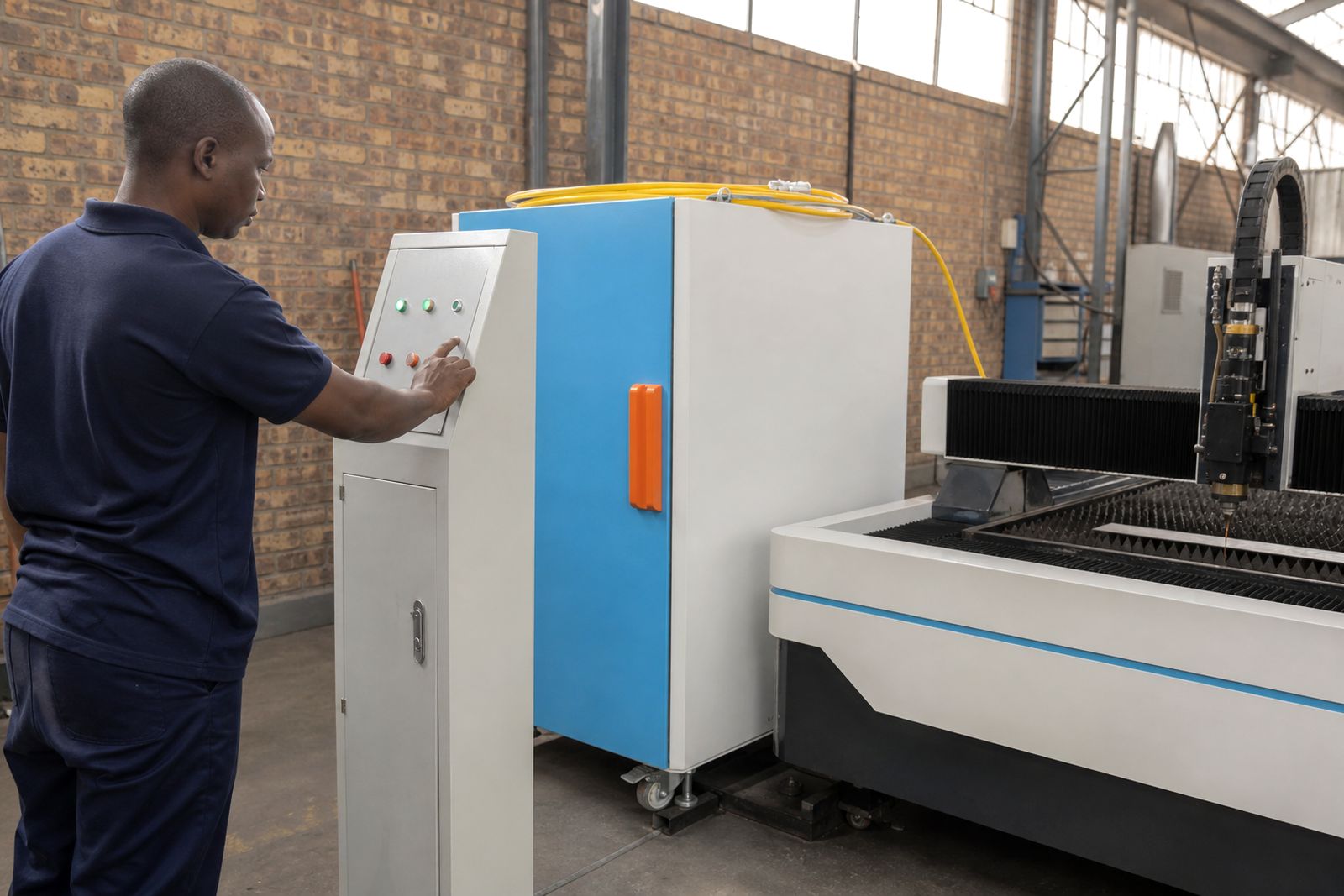
When a source trips, the quickest mistake is to jump straight to the most expensive part. A fibre laser system has linked items that affect one another, so the first job is to identify which alarm group you are seeing on the source display, machine control, or chiller screen. In most workshops the pattern falls into cooling, fibre path, head protection, interlock, power supply, or internal source faults.
Write down the exact wording or code before cycling anything off and on. If the alarm only appears during piercing, cornering, long weld runs, or after the machine has stood idle overnight, that operating pattern matters. It often tells us more than a reset does.
- Note the full alarm text or code exactly as shown.
- Record whether the fault appeared at start-up or during production.
- Check if the machine was cutting, welding, cleaning, or idling.
- Look for related alarms on the chiller, cutting head, welding head, or control cabinet.
- Do not keep restarting the source if the same alarm returns straight away.
Cooling alarms usually point to flow, temperature or water quality
Many source alarms start with cooling trouble. If the water temperature climbs, flow drops, or the coolant is contaminated, the source may reduce output or shut down to protect internal optics and modules. On a busy Gauteng floor this can happen after a filter blocks up, a hose kinks behind the machine, or the chiller radiator loads up with dust.
Check the chiller first, then trace the full water path to the source and head. Make sure valves are open, hoses are not flattened, and the coolant level is correct. If the water looks cloudy or has fine particles in it, stop there. Dirty coolant can move contamination through teh source cabinet and head circuit.
- Confirm the chiller is running without its own fault alarm.
- Check inlet and outlet temperatures for unusual spread.
- Inspect coolant level, colour and visible contamination.
- Listen for cavitation or uneven pump noise.
- Clean external filters and radiator fins where applicable.
- Check for warm ambient conditions around enclosed machines.
If cooling alarms return after basic checks, the source may need pressure, flow, sensor or internal thermal diagnosis in the workshop or on site.
Protective window and head faults can look like source trouble
A source alarm is not always a source failure. In cutting and welding setups, a dirty or damaged protective window, a poor nozzle condition, bad centring, or unstable head cooling can create reflections and thermal stress that push the whole system into alarm. Operators often notice reduced cut quality, poor weld appearance, more spatter, or unstable piercing just before the trip starts.
Open the head only if your team follows the correct handling routine and has a clean area for optics. A fingerprint, dust, or splash on a window can be enough to start a repeat problem. If a ceramic is cracked or a nozzle seat is damaged, correct that before blaming the source.
- Inspect the protective window for haze, pits, burns or metal splash.
- Check nozzle condition and centring.
- Look for signs of overheating around the head body.
- Confirm head cables and sensor plugs are secure.
- Do not run production with a visibly damaged optic.
Delivery fibre and QBH checks need a clean, careful approach
The delivery fibre carries the beam from the source to the process head, so any connector contamination, bend stress, heat damage or poor seating can trigger alarms and unstable output. These faults can show up after a crash, after head service, or when a machine has been moved across the floor and cable routing changed.
Start with a visual check only. Look along the fibre run for tight bends, crushed sections, snag points and hot spots near brackets. At the connector end, never force a fit and never inspect exposed optical faces casually on a dirty floor. A connector that looks fine from outside can still have contamination inside, so if there is doubt, the safer route is proper cleaning and inspection under controlled conditions.
Repeated fibre path alarms, especially under load, should be treated seriously. Running on with a compromised connector can turn a smaller service job into a much larger repair.
Interlock and power supply faults are often simple but should not be ignored
Interlock alarms can come from doors, covers, head circuits, coolant permissives, emergency stop loops, or external machine safeties. Power supply alarms may follow unstable incoming mains, a cabinet fan failure, loose terminals, or heat build-up in electrical enclosures. In some workshops, load-shedding changeovers and generator changeovers also expose weak electrical connections that were already marginal.
These checks are straightforward, but they should still be done methodically. If an interlock is bridged or bypassed to keep production moving, the machine can hide the actual fault for days and then stop under heavier load. That costs more later.
- Confirm all access doors and service panels are fully closed.
- Check emergency stop devices have reset correctly.
- Look for loose plugs between source, chiller and machine control.
- Inspect cabinet cooling fans and air filters.
- Watch for alarm patterns linked to plant power changes.
- Do not bypass safety circuits to test production.
When to stop site checks and book diagnostics
Some alarms are suitable for basic floor checks, while others mean the machine should stay off until a technician tests the source and related hardware. If the alarm returns immediately after reset, if there is any burnt smell, visible arcing, repeated protective window damage, coolant contamination, or a known crash event, stop production and arrange proper diagnosis. The same applies if output drops sharply with no obvious head issue, or if the machine cuts thin material acceptably but trips on thicker work every time.
Useful information speeds up fault finding even if the repair itself is not simple. Keep photos of the alarm screens, note material type and thickness, gas used, and whether the issue starts on piercing or during the cut path. On welding jobs, record joint type, duty cycle, and whether the alarm appears after a few minutes when heat has built up a little.
If you need help interpreting recurring alarms, our Alrode team handles source diagnostics, spare parts checks and machine service for fibre laser cutting and welding equipment. The details can go through our contact form so the service technician can review the fault pattern before the visit or workshop inspection.
What our Fibre Laser customers say
Verified Google reviews
Questions we get asked
Can I keep running after a laser source alarm clears?
Only if the cause is clearly identified and corrected. If the same alarm returns, or if there are signs of heat damage, dirty coolant, optic damage or fibre stress, stop the machine and have it checked.
Do source alarms always mean the laser source has failed?
No. Head consumables, protective windows, chiller faults, interlocks, cable issues and delivery fibre problems can all trigger source-related alarms or unstable output.
What information helps most when logging a service call?
Send the exact alarm text or code, photos of the screens, machine type, process used, material details, and notes on when the fault appears during the job.
Also worth a look

Tell us about the job
Send sizes, materials and where you are through our contact form, and we will come back with the practical options.
Open the contact form